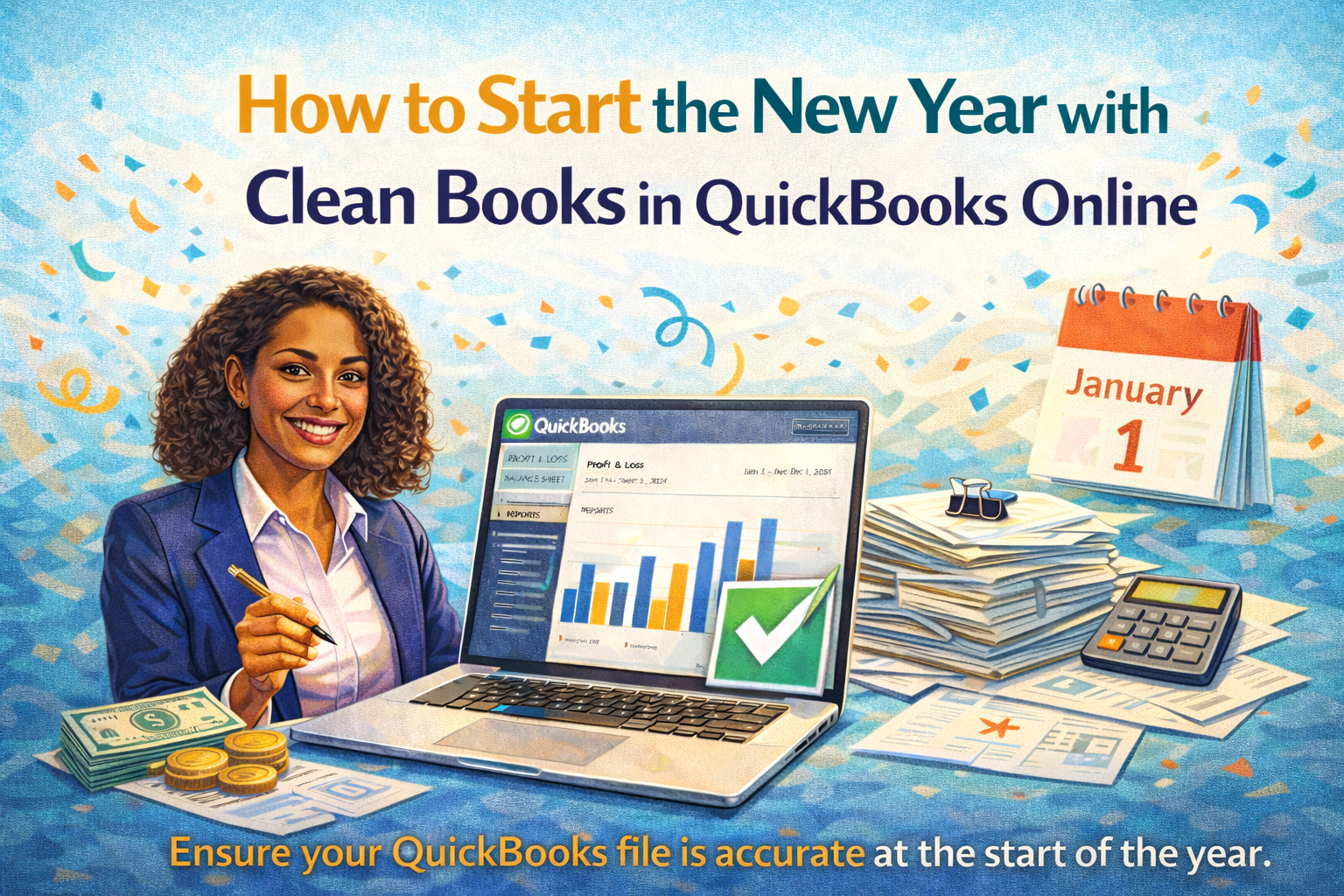

How to Start the New Year with Clean Books in QuickBooks Online

The start of a new year is the perfect time to reset your finances. Unfortunately, many small business owners roll unfinished bookkeeping problems straight into January, creating confusion that follows them all year long.
Starting the year with clean books in QuickBooks Online gives you clarity, confidence, and a solid foundation for smarter financial decisions. This guide walks you through the key steps to clean up your file and set yourself up for a smooth, stress-free year.

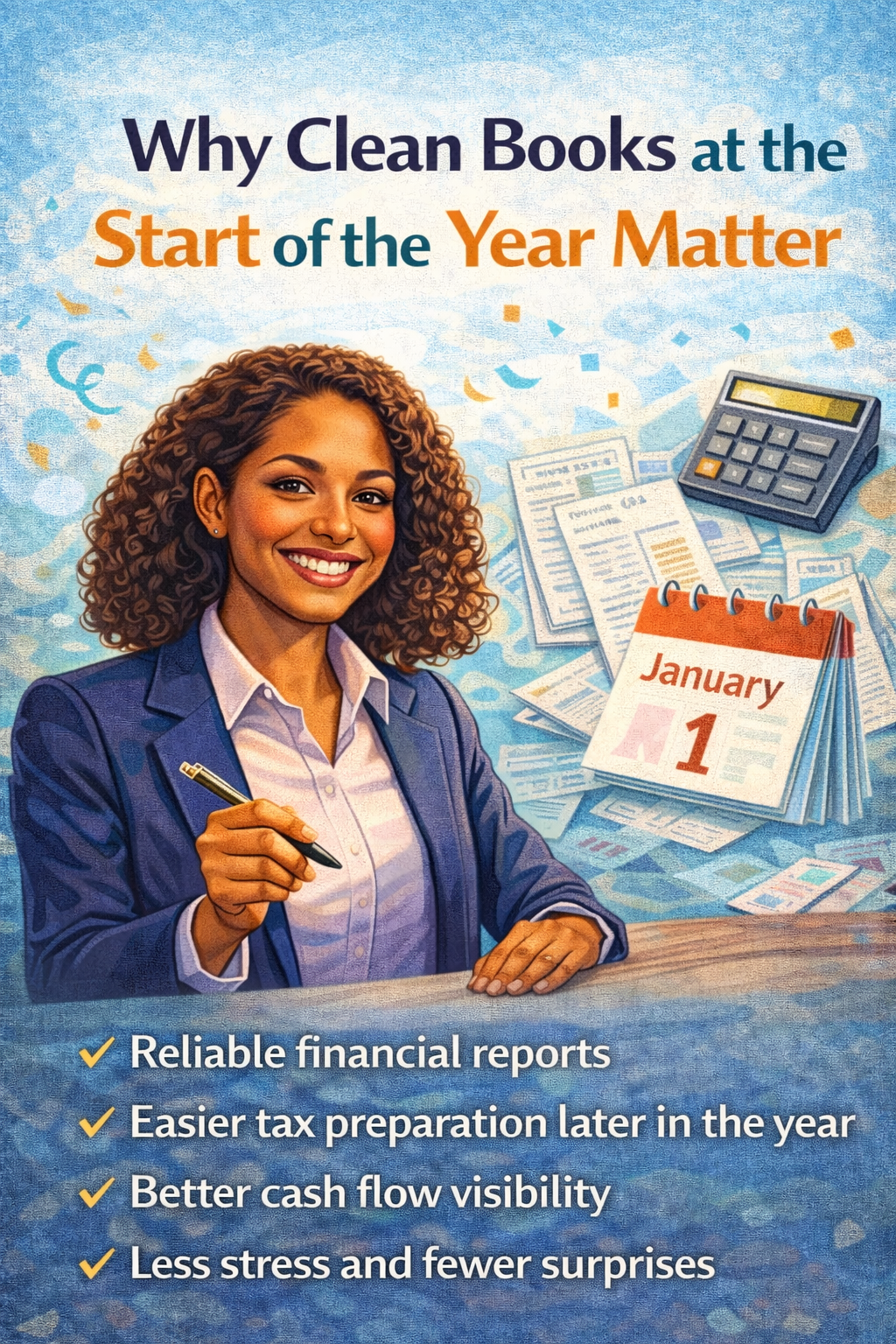
Clean books are more than just “nice to have.” When your QuickBooks file is accurate from day one, you benefit from:
- Reliable financial reports
- Easier tax preparation later in the year
- Better cash flow visibility
- Less stress and fewer surprises
When problems are left unresolved, errors compound. January becomes February, then suddenly you’re months behind and unsure what your numbers even mean.
Why Clean Books at the Start of the Year Matter
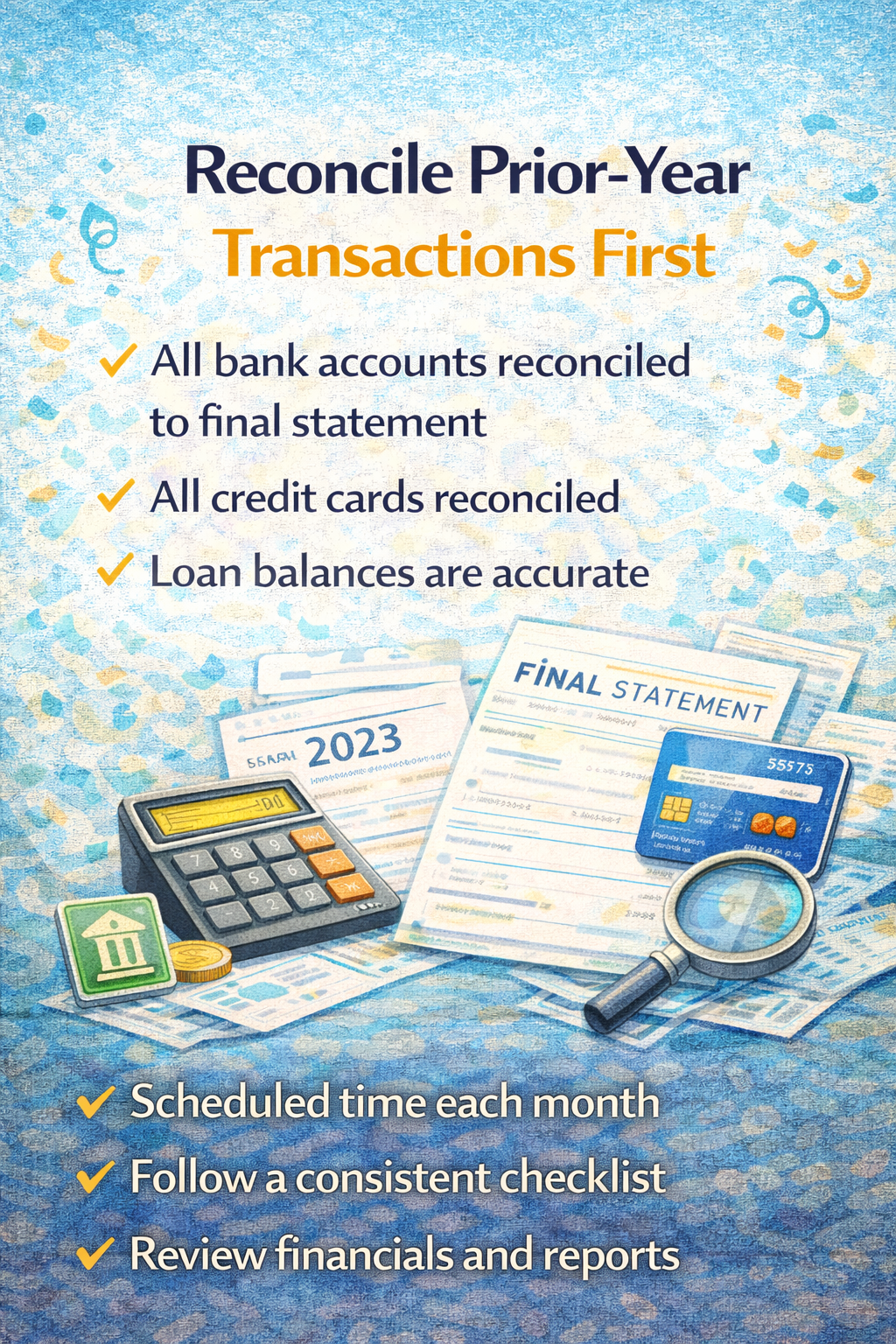
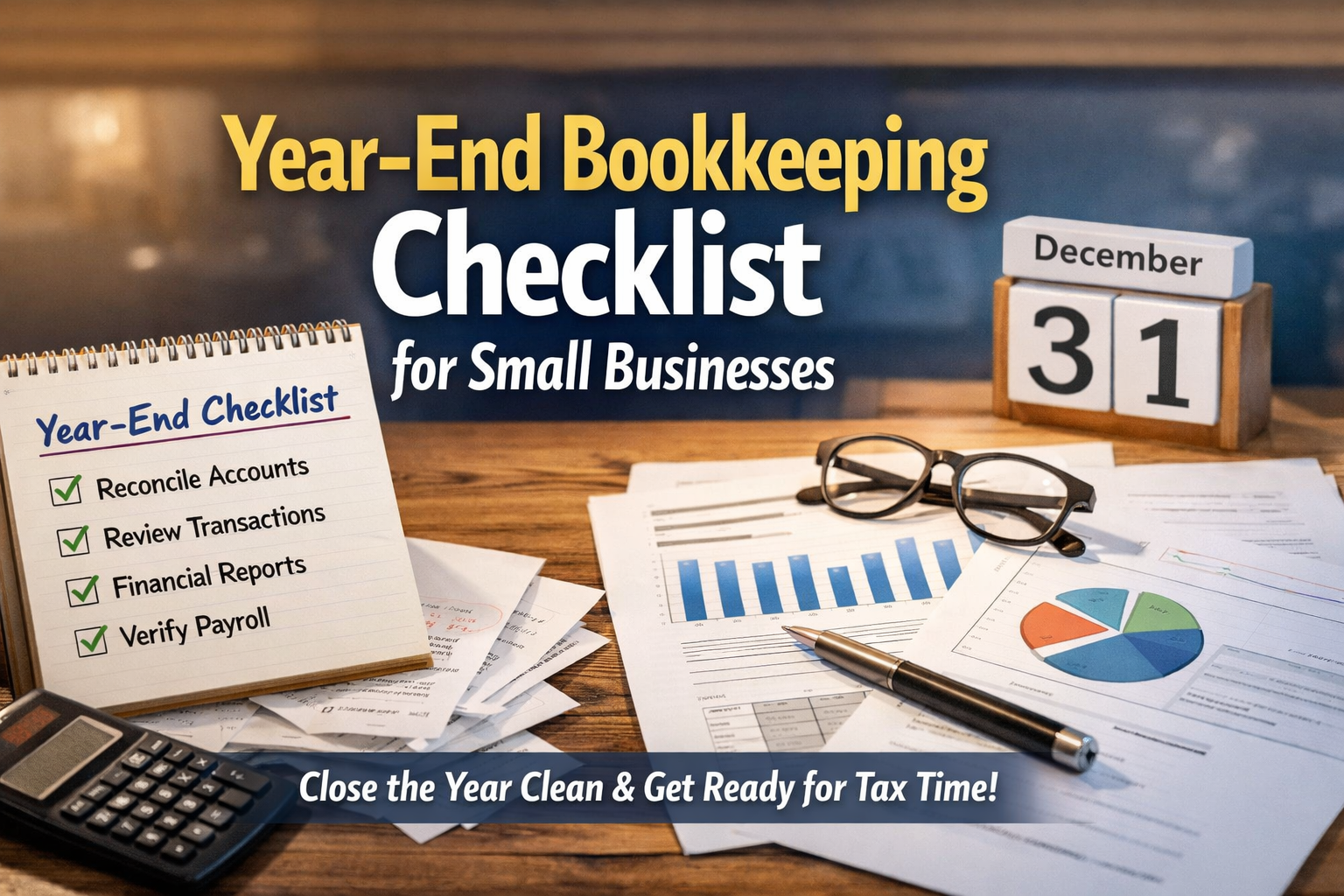
Before focusing on the new year, make sure the prior year is fully reconciled.
This means:
- All bank accounts are reconciled to the final statement
- All credit cards are reconciled
- Loan balances are accurate
If the prior year isn’t reconciled, your opening balances will be wrong, and every report moving forward will be unreliable.
Reconcile Prior-Year Transactions First


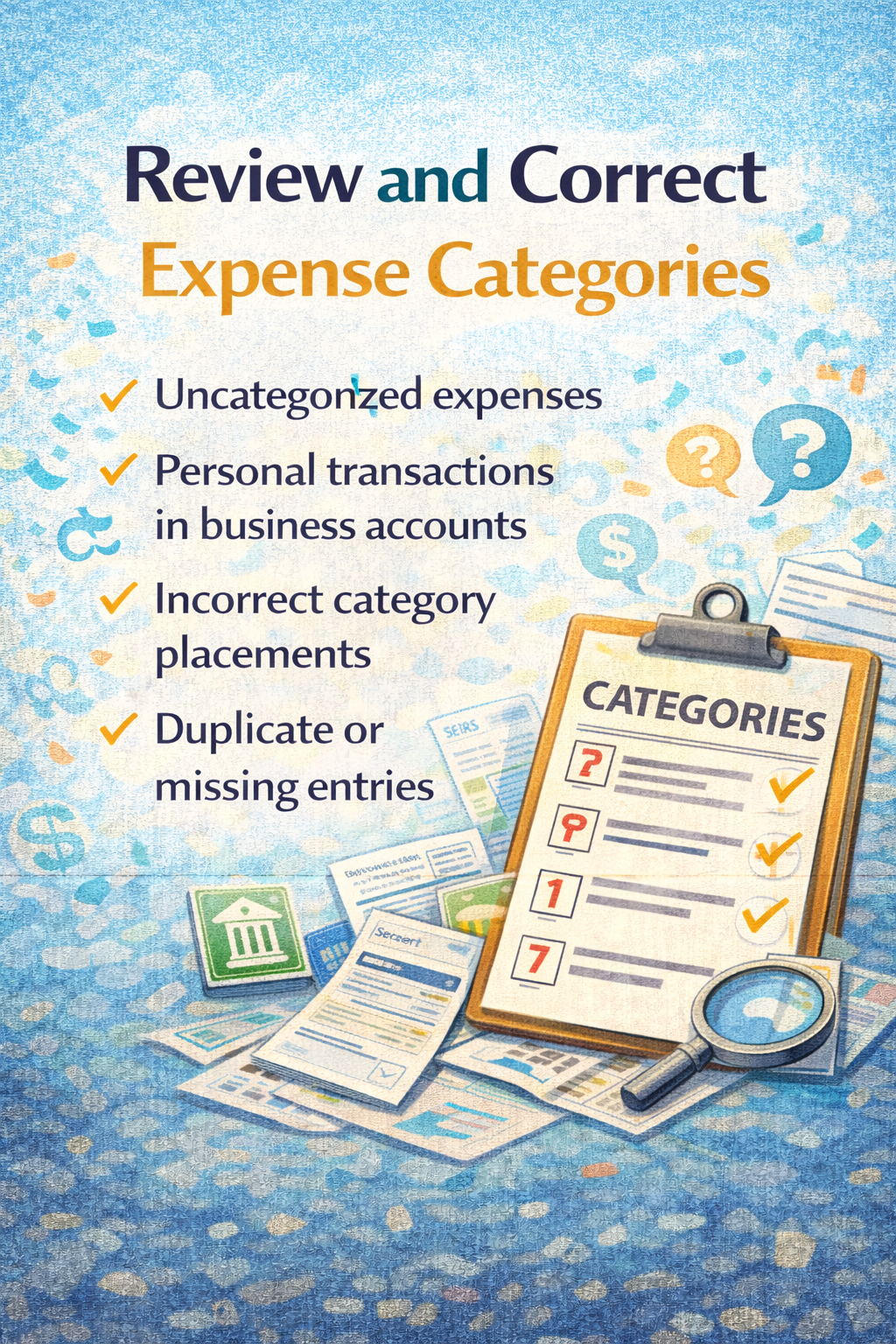
Next, review how transactions were categorized.
Look for:
- Uncategorized expenses
- Personal transactions mixed into business accounts
- Expenses placed in incorrect categories
- Duplicate or missing entries
Misclassified expenses distort your Profit & Loss report and make it harder to understand where your money is actually going.
Review and Correct Expense Categories
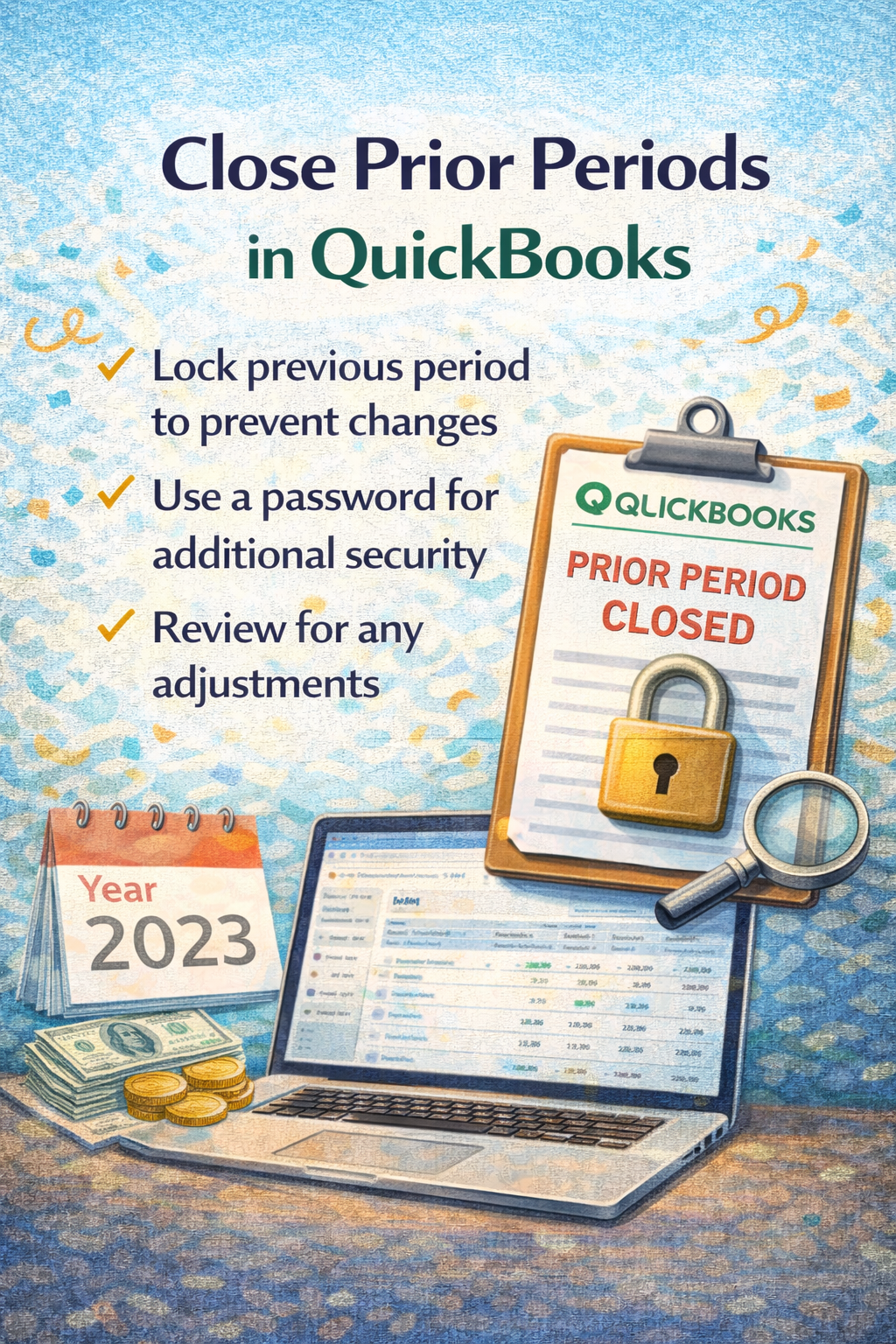
Close Prior Periods in QuickBooks
Once the prior year is reviewed and reconciled, it’s important to close the period in QuickBooks.
Closing the year:
- Prevents accidental changes to prior transactions
- Protects your financial reports
- Keeps your books consistent and reliable
This step is especially important if you work with a tax professional or plan to use your reports for decision-making.


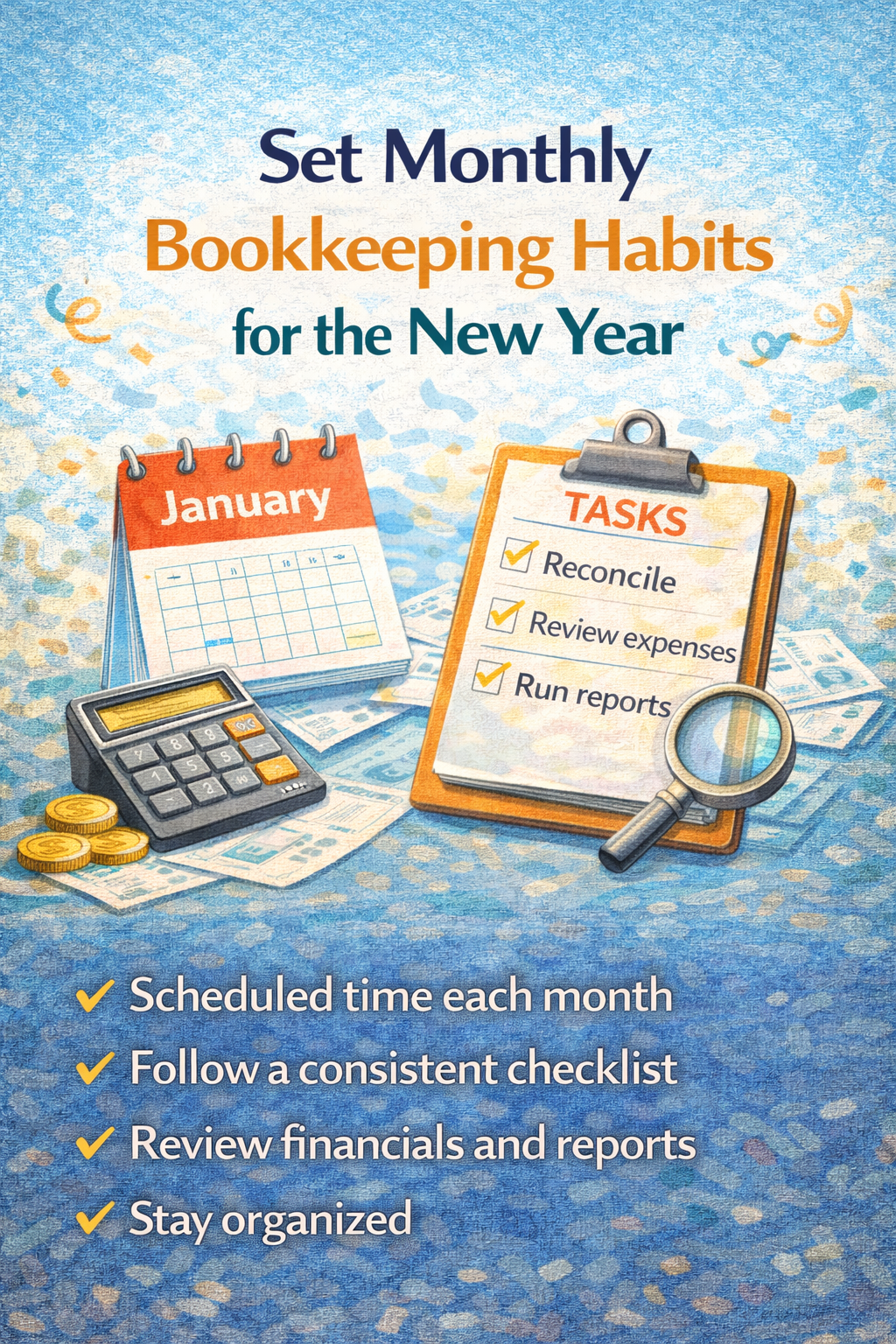
Clean books won’t stay clean without consistent habits.
Set yourself up for success by committing to:
- Monthly reconciliations
- Regular transaction reviews
- Monthly report reviews
- A recurring bookkeeping schedule
Even simple monthly check-ins can prevent year-end chaos.
Set Monthly Bookkeeping Habits for the New Year
When to Get Help Cleaning Up QuickBooks

If your QuickBooks file feels overwhelming or you’re not confident everything is accurate, getting professional help early in the year can save you significant time and stress.
You may want support if:
- Your accounts haven’t been reconciled consistently
- Reports don’t make sense
- Transactions are miscategorized
- You’re unsure where to start
A proper cleanup ensures your books are accurate, organized, and ready for whatever the year brings.
You don’t have to figure this out on your own. If you want to start the year with clean, reliable books and a QuickBooks file you can actually trust, QuickBooks Online Setup & Support can help you get there faster.
👉 Schedule a discovery call and start the new year with clarity, confidence, and clean financials.
Start the Year with Confidence